Points with your own name
Viewers earn them by watching and chatting while you’re live.
Points your viewers earn by watching and chatting, four kinds of giveaway, a Shop and a home for your community. It all runs from your Twitch channel.
We read every request by hand.
Just here to watch?
Sign in to check your points and enter giveaways.
Switch on only the parts you want.
Viewers earn them by watching and chatting while you’re live.
Chat Giveaways, Ticket Giveaways, Channel Point Giveaways and Points Raffles.
Viewers spend points on rewards you set.
Balance, leaderboard, your schedule, clips and prizes to claim.
Draws, raffles and Shop purchases show on stream.
Your Discord channels get posts about what’s happening, and Streamer.bot can react on your streaming PC.
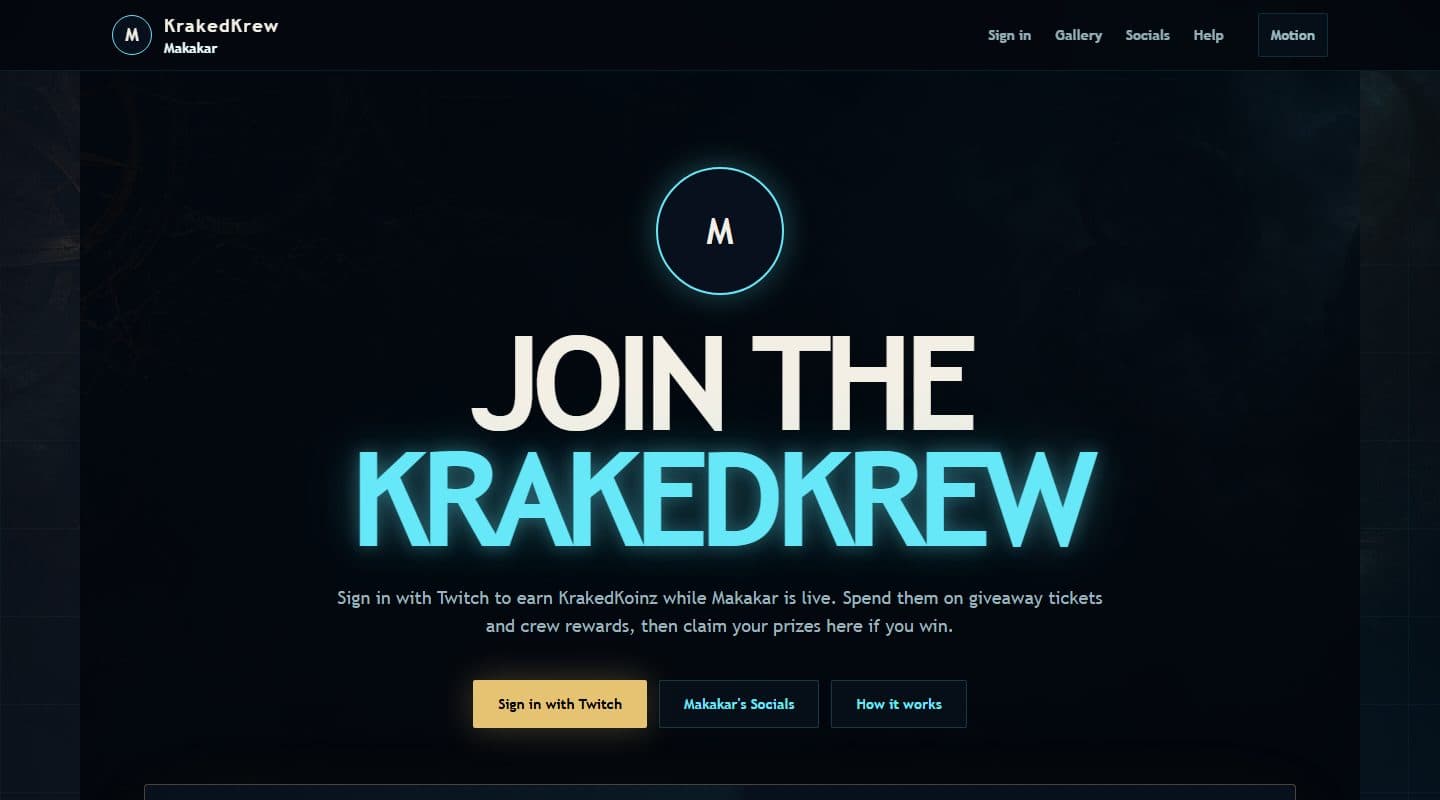
Your community page
Your name, your colours, your next stream and your clips, at krakedkrew.com/your-name.
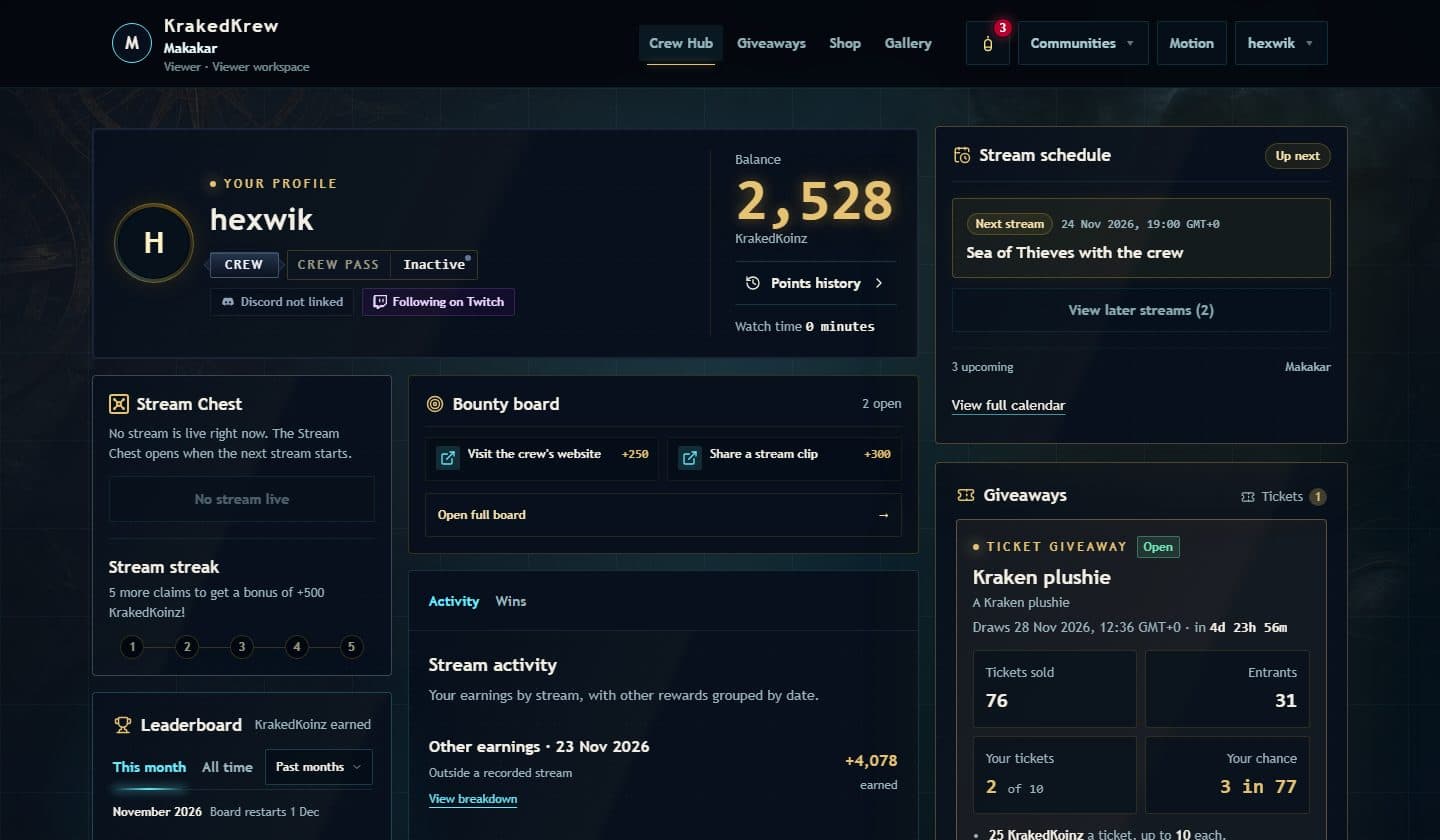
Crew Hub
After signing in with Twitch a viewer sees their balance, the leaderboard, your schedule and any prize waiting for them.
Sign in with your own Twitch account. Then connect a bot account, or choose to send chat as yourself.
Pick your features, name your points and choose your colours. Nothing is public until you activate it.
Only if you want draws on stream. Each one is a link you paste in as a browser source.
From your request to your first stream.
Sign in with Twitch and send your request.
We read every request by hand. The answer shows here on KrakedKrew the next time you sign in. If it’s a no, you can ask again after 30 days.
Connect Twitch, pick your features and choose your colours. Setup saves as you go and stays private.
Activate when you’re ready. Your community goes public and viewers can sign in.
Tell us about your channel. We read every request by hand.
Read the streamer guide first